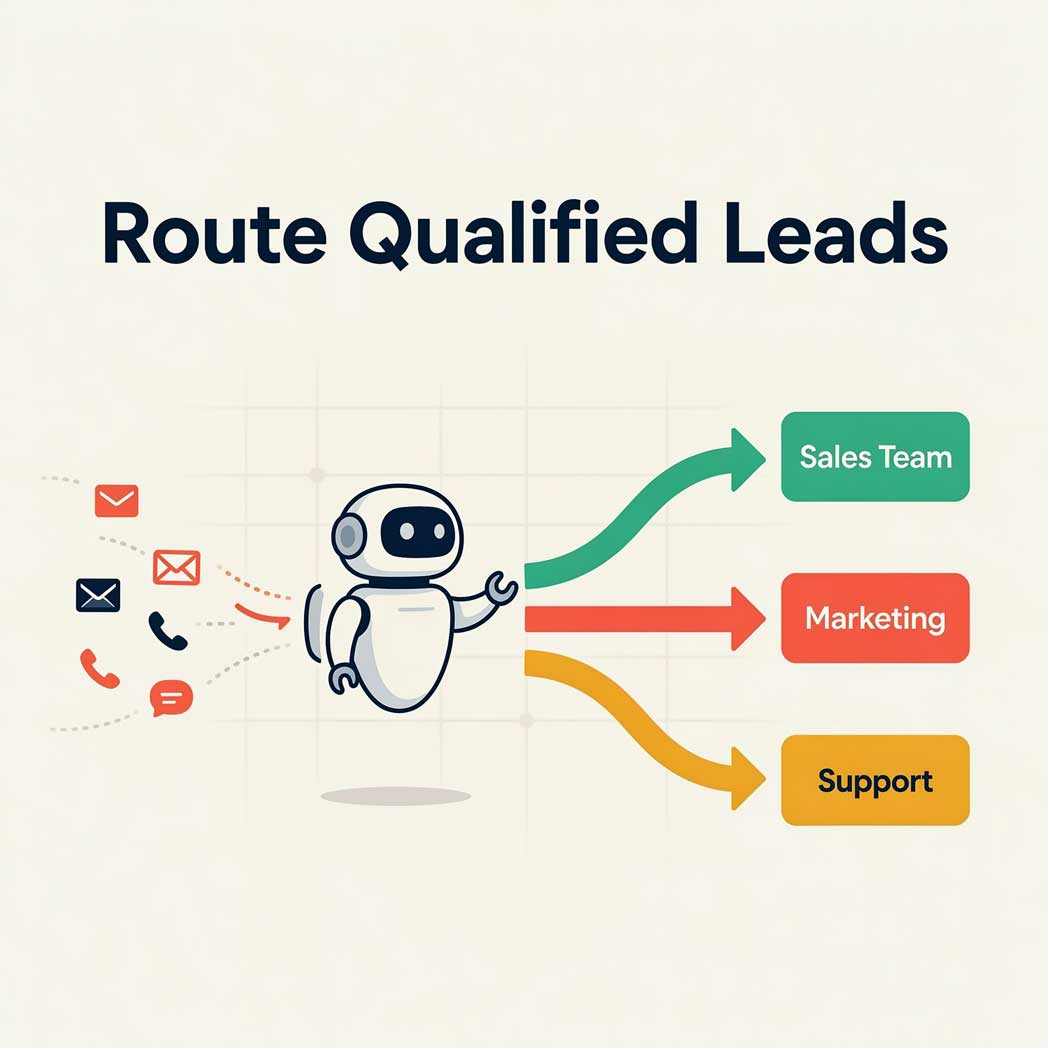
Why routing is the part that breaks
Most advice about inbound leads stops at speed. Answer faster, convert more. That part is well established. The research behind it is strong.
The 2007 Lead Response Management study analyzed more than 15,000 leads and 100,000 call attempts. It was run by Dr. James Oldroyd at MIT Sloan with InsideSales.com. Calling a lead within five minutes, instead of thirty, made a firm 100 times more likely to reach that person. It made them 21 times more likely to qualify them. A follow-up study in Harvard Business Review, co-authored by Oldroyd, audited 2,241 US companies. Each used test leads submitted through its own website. Average first response: 42 hours. Only 37% replied within an hour. 23% never replied at all.
Attribution gets muddled online. To be precise: the 100x and 21x numbers come from the MIT dataset. Harvard's contribution is the 42-hour benchmark, plus one more finding. Firms that responded within the hour were roughly seven times more likely to qualify the lead.
Here is what that research doesn't tell you. Speed is measured from submission to first response. It says nothing about whether the response came from someone who could help. That's where small teams lose the advantage they just paid to build.
Picture a new customer's quote request landing in a support queue. Support is busy triaging broken things, so it gets answered slowly. Now picture an existing customer's billing problem landing with a salesperson. It gets forwarded, and the clock restarts. Both were answered "fast." Neither was answered usefully.
Routing is what turns a fast response into a useful one. That's the whole job.
The honest framing
Fast plus wrong isn't much better than slow. Build the sorting before you optimize the stopwatch.
What you're actually sorting
Before touching a tool, get specific about the categories. Most small service businesses have fewer than they think. Three or four is normal:
- New work. Someone with no relationship to you yet who wants a quote, a consult, or a job booked.
- Existing customer. Someone already in your system with a question, a change, a complaint, or a bill.
- Urgent. Cuts across the first two. A no-cooling call in a Jacksonville August isn't a maintenance quote request. It doesn't matter who is calling.
- Neither. Vendors, job applicants, spam, and people who meant to contact someone else. This bucket is bigger than most owners expect. Name it so it stops interrupting everyone else.
The mistake is building elaborate categories that mirror an org chart you don't have. If two people handle everything, you need two destinations, not seven. Add a category only when a real person is waiting on the other end of it.
Write the definitions as plain sentences before you write them as logic. Try to explain "new work" versus "existing customer" to a new hire in one sentence. If you can't, neither a rule nor a model will do it for you either.
Rules first, AI second
Most inbound sorts itself with plain conditions. No model required. If the email already exists in your CRM, it's an existing customer. If the form submitted was the quote form, it's new work. If the line dialed was the emergency number, it's urgent. These are facts, not judgment calls. A rule handles a fact more reliably, and more cheaply, than a model does.
Reach for AI where the signal is buried in free text. Someone writes: "our system has been making a noise since the storm, and we're not sure if it's still under warranty." That message is an existing customer. It's likely urgent. It may be a warranty claim too. No keyword rule catches all of that. A language model can, because the task is reading comprehension, not pattern matching.
The split that holds up: rules handle the clear-cut majority. AI handles the unclear rest. Anything AI is unsure about goes to a person. That order matters. Teams that lead with AI end up paying a model to redo work their database had already done. Fixing that costs more than fixing a simple rule.
If you run chat as an intake channel, the same principle applies to the questions it asks. Integrating chatbots for local business customer service covers what a bot should, and shouldn't, try to resolve on its own.
Building it
The stack matters less than the sequence. Build it in this order, whatever tools you use.
Start by counting. For two weeks, log every inquiry: which channel it arrived on, which category it belonged to, who ended up handling it. This is tedious, and it's the step people skip. It tells you whether routing is your real problem at all. Plenty of businesses find the actual bottleneck is that nobody checks the inbox after 5pm. No automation fixes that.
Pick the platform you already pay for. If you use HubSpot or ActiveCampaign, build it there instead of bolting on a second system. If your tools don't talk to each other, a connector like Zapier or Make bridges them. Pricing on these tools changes often and scales with contact count or task volume, so check current pricing pages directly. The AI piece, if you add one, is usually the cheapest line item. Classifying a few hundred short messages a month is a small job for a model. Check current API pricing and multiply by your real volume before assuming otherwise.
Fix the intake form before the logic. Routing quality is capped by what you collect. Asking whether someone is a current customer, what they need, and how soon does more for accuracy than any classifier tuning. Designing conversion-focused landing pages for local services covers how to ask without tanking your completion rate. That tradeoff is the real challenge in form design.
Route to a person, not a queue. A category that dumps into a shared inbox with no owner just recreates the problem you started with. Every destination needs a name attached, and a response expectation attached to that name.
Carry the context with the handoff. Whoever receives the lead should get the original message and the category. They should also see why it got that category, and the customer's history if there's one. A notification that just says "new lead" forces them to redo the work you already automated.
Test with your own worst cases. Not clean sample data. Submit the genuinely unclear messages. The ones that mix a complaint with a new request. The ones typed at 11pm with no punctuation. Those are the ones that will break it.
The follow-up side of this, what happens in the seconds after routing, is its own build. Automating lead capture and instant follow-up covers that half.
Two halves, two builds. Do not try them at once.
How to know if it's working
You will find confident accuracy numbers for AI lead sorting all over the web. Doubt them. Accuracy depends on your categories, your industry's words, how clean your data is, and how unclear your real inbound tends to be. A number measured on someone else's inbox tells you nothing about yours. Most of these figures trace back to vendor marketing, not real research.
Measure your own instead. It isn't hard:
- Sample and check. Each week, pull a sample of routed inquiries and confirm each one landed in the right place. Log the misses, along with what the message actually said.
- Track reroutes. Every time a human moves something from one category to another, that's a labeled error, generated for free. If reroutes cluster in one direction, your rules have a specific gap, not a general accuracy problem.
- Watch time-to-right-person. Not time to first touch. If your first-response time improved but time-to-capable-person didn't, the routing isn't earning its keep.
- Compare against your baseline. This is why the two weeks of manual logging at the start was worth it.
The two directions of error aren't equal, and your thresholds should reflect that. Sending a support question to sales wastes a few minutes. Sending a new customer into a support queue can cost the job outright. Tune the system so the expensive mistake is the rare one, even if that means more of the cheap one.
For instrumenting this properly, advanced analytics tracking for local businesses covers the measurement side.
Guardrails and failure recovery
Automated routing fails quietly, and that's what makes it dangerous. A broken form throws an error someone notices. A misrouted lead just sits in the wrong place, looking perfectly normal.
Build these in from the start:
- Confidence thresholds. When the classifier is unsure, it should hand off to a human instead of guessing. Uncertainty is useful information. Discarding it is the most common design mistake here.
- A default path that always works. If the AI service goes down, the CRM rejects the write, or a webhook fails, everything falls back to one monitored inbox. Never let an integration failure silently swallow an inquiry.
- An unhandled alarm. Alert on anything sitting unassigned past a threshold you set deliberately. This is the check that catches the failures you didn't anticipate.
- One-click reclassification. Whoever receives a misrouted item needs to move it in a single action. If correcting it is annoying, people stop correcting it, and you lose your error data along with the fix.
- Validation before routing. A submission with a malformed email or an empty message field should get flagged, not confidently filed.
- A documented manual mode. Your team should know how to spot a broken routing system. They should know how to run the inbox by hand for a day. Write it down before you need it.
The failure patterns that cost the most, across automated workflows generally, are covered in top AI automation bottlenecks in service businesses.
Where to start
If you run a small service business, this can feel like a lot. It is, but most of it is optional at first.
The version that delivers most of the value is unglamorous. Two weeks of counting what actually comes in. A form that asks whether someone is a current customer. One rule that separates new work from existing customers. A named owner for each of those two paths. An alert when something goes unhandled. No model involved. That alone fixes the core failure covered here.
Add AI sorting once you have proof that unclear messages are costing you. You will have that proof, because you'll have been logging reroutes. Building the fancy version first is how automation projects get abandoned. Nobody trusts the system. It fails in ways nobody can diagnose. It solves a problem nobody measured in the first place.
Are you connecting several tools that were never built to talk to each other? Connecting website forms, CRM, and calendar with AI automation covers that work directly.
Start with the sorting. The speed is worthless without it.
Common questions
Do I need AI to route my leads?
Not for most of them. Plain rules handle the clear-cut majority: if the email's already in your CRM, it's an existing customer, and if it came through the quote form, it's new work. I only reach for AI where the signal is buried in free text, and anything it's unsure about goes to a person.
How many categories should I sort inquiries into?
Fewer than you think. Three or four is normal: new work, existing customers, urgent, and everything else, like vendors and spam. I only add a category when a real person is waiting on the other end of it, not to mirror an org chart I don't have.
What should I do before building anything?
Count. For two weeks, log every inquiry: which channel it arrived on, which category it belonged to, and who handled it. That tells you whether routing is even your real problem. Plenty of businesses find the actual bottleneck is that nobody checks the inbox after 5pm, and no automation fixes that.
Does responding fast still matter?
Yes, but speed only helps if the right person answers. The research measures submission to first response, and it says nothing about whether that response came from someone who could help. Fast plus wrong isn't much better than slow, so build the sorting before you optimize the stopwatch.
Does your homepage pass the three second test?
A visitor decides in about three seconds whether your site is for them. Put your address in and I will send you what a stranger actually takes from it, and the specific things to fix.
Scan my site free →Losing leads somewhere between the form and the follow-up?
I build lead capture and routing workflows for service businesses across Northeast Florida. I keep them simple enough that you can actually run them.

Mike is the founder of gravityGone, where he helps small businesses in Northeast Florida grow through Web Development, SEO, and Marketing Automation.